Console and Server Overview
Console lists the servers you own and servers shared with you. Open a server to view its status, connect, and use the controls available to your role.
Open your Console
After signing in, select Dashboard. The overview shows Credit Balance, Active Servers, and Total Servers, followed by your server cards.
If the list is empty, select Create Server or Browse Games. If you expected existing servers, check that you signed in to the correct account before creating another.
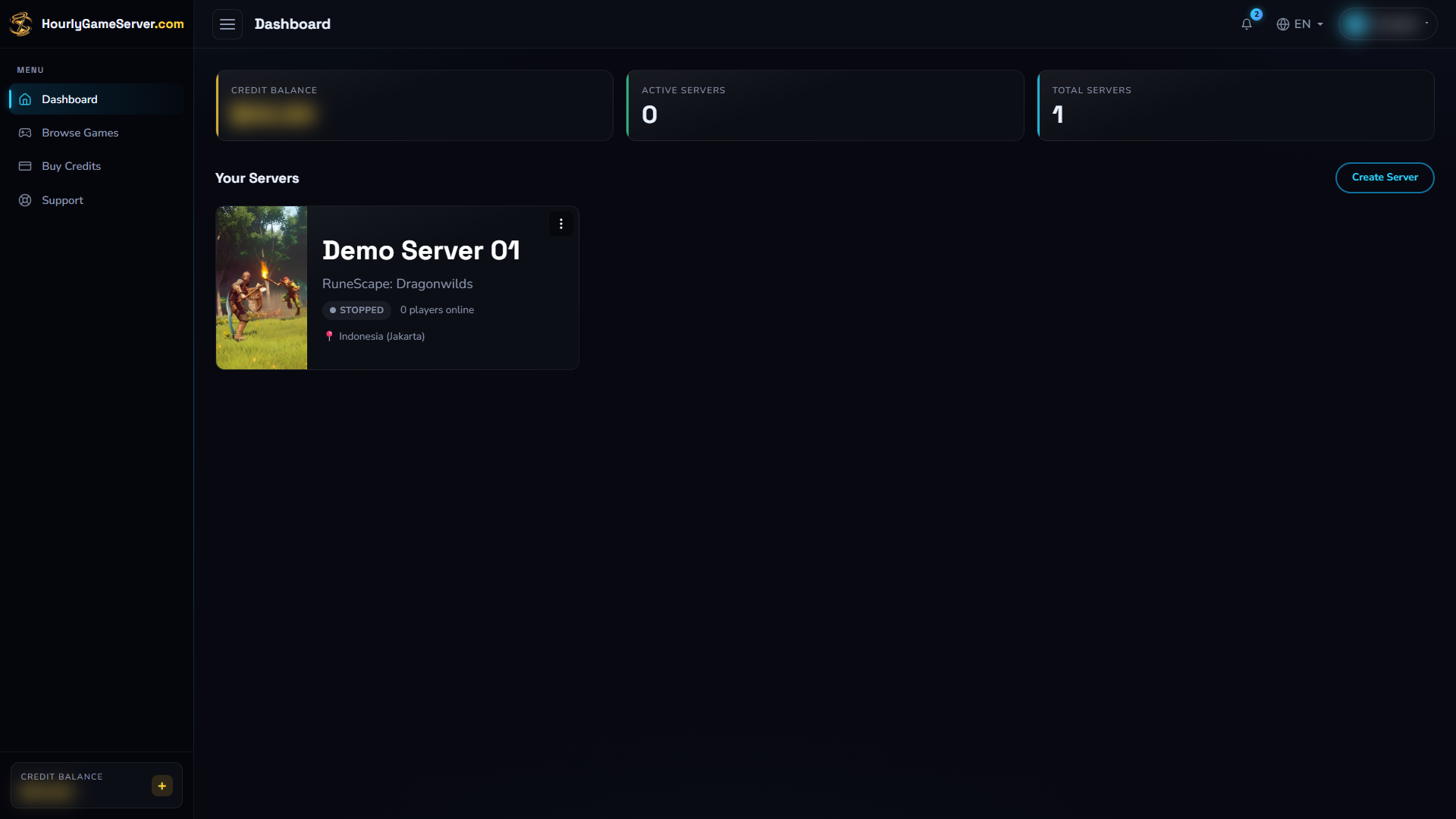
The Console example contains one stopped server. Select its card to open the server page; Create Server starts a separate setup.
Credit Balance
Your Credit Balance is shown in your Wallet Currency. Select Buy Credits when you need to top up.
Server cards
Each card identifies the game and server and shows its current status. Select the card to open it. Its action menu depends on the server's state and your permissions.
A Shared marker means another person owns the server. Its usage is charged to the owner's Credit Balance.
Leaving a shared server removes your access; deleting a server is a different, destructive action. Read Roles & Sharing before changing access.
Server page
The available sections depend on the game and your permissions:
| Section | Use it to |
|---|---|
| Overview | Check status, connection details, live usage, and paid-time and uptime counters. |
| Server Settings | Choose region, Server tier, and Server size. Review cost and restart requirements before saving. |
| Game Settings | Edit game-specific options, which vary by game. |
| Mods | Add or remove Mods for supported games. |
| Players | View and manage players for supported games. |
| Roles & Sharing | Manage access and permissions. |
| Automation | Schedule supported server actions. |
| Activity Log | Review important server events and configuration changes. |
Controls are temporarily unavailable while an operation such as Starting, Stopping, or Deleting is in progress.
Missing sections can also reflect your role or a game that does not support the feature. Ask the owner about permissions rather than assuming the page failed to load.
Uptime and paid time
- Banked Hour is the paid time currently available to that server. It counts down while billing is active and is held while the server is stopped.
- Current Session is the uptime since the current start.
- Total Uptime is the accumulated running time across completed and current sessions.
Uptime counters are not your wallet balance or a payment receipt. For actual charges across your servers, open Settings → Cost & Usage. See Cost & Usage.